Missing or unhelpful alt text is one of the most common accessibility failures on the web, and one of the easiest to fix. Good alt text lets people who use screen readers understand your images, and it helps search engines and AI assistants understand your pages too. This guide shows you how to write alt text that actually helps, with examples you can copy.
What is alt text?
Alt text (alternative text) is a short written description stored in an image’s alt attribute. Screen readers read it aloud, browsers show it when an image fails to load, and search engines use it to understand what the image shows. It is required by WCAG success criterion 1.1.1, Non-text Content, a Level A requirement, which means it is part of every ADA and EAA compliance conversation.
Five rules for good alt text
- Describe the purpose, not just the picture. Ask: why is this image here? Write the information it adds to the page.
- Be concise. Usually a short sentence or less. Put long explanations in the surrounding text.
- Skip “image of” or “picture of”. Screen readers already announce that it is an image.
- Include text that appears in the image. If a graphic contains words, the alt text should contain them too.
- Don’t stuff keywords. Write for people. Natural, accurate descriptions are also what search engines reward.
Alt text examples
Informative images
These add information to the content.
- Weak:
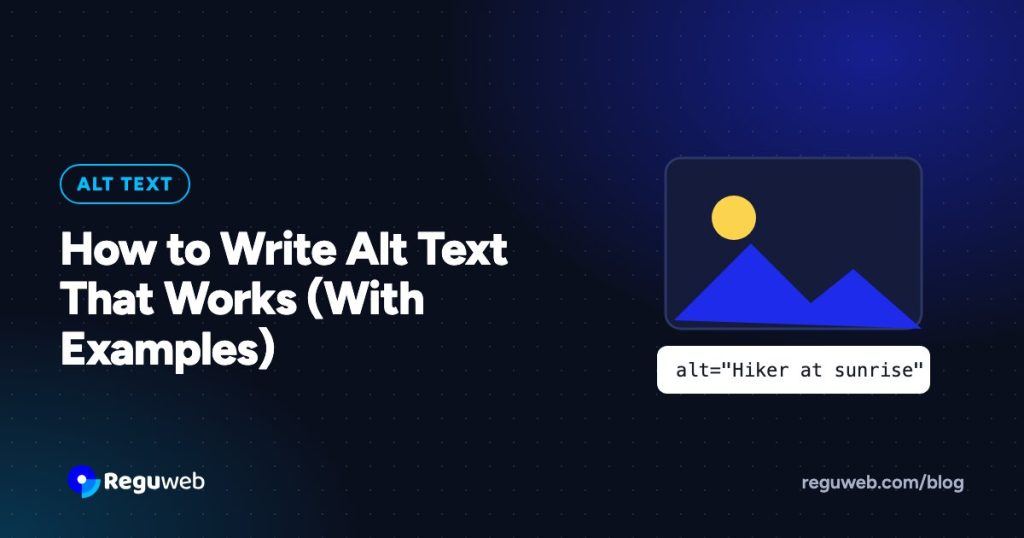
alt="hiker" - Better:
alt="Hiker in a red jacket on a rocky ridge at sunrise"
Product images
Shoppers need the details that help them choose.
- Weak:
alt="jacket" - Better:
alt="Women’s white insulated puffer jacket with hood, front view"
Functional images: links and buttons
When an image is a link or button, describe what it does, not what it looks like.
- Logo linking to the home page:
alt="Reguweb home" - Magnifying glass search button:
alt="Search" - Shopping bag icon:
alt="View cart, 2 items"
Images of text
Repeat the text exactly. For example, a banner that says “Spring sale: 20% off all boots” should have that as its alt text.
Charts and infographics
Give a short summary in the alt text and put the full data in nearby text or a table.
alt="Bar chart: website traffic grew 40% from January to June", followed by a data table on the page
Decorative images
Background textures, dividers and purely decorative illustrations should have an empty alt attribute, alt="", so screen readers skip them. Don’t leave the attribute out entirely: without it, some screen readers read the file name instead, such as “IMG underscore 4032 dot jpeg”.
Images next to a caption
If the caption already describes the image fully, keep the alt text short and don’t repeat the caption word for word.
How to add alt text in common platforms
- WordPress: select the image block and fill in “Alternative text” in the sidebar, or edit it once in the Media Library. See our WordPress accessibility checklist for more fixes.
- Elementor: set the alt text on the image in the Media Library; Elementor uses it automatically.
- Shopify: open the product, click the image and choose “Add alt text”.
- HTML:
<img src="trail.jpg" alt="Hiker on a ridge at sunrise">
Alt text, SEO and AI search
Search engines can’t see images the way people do, so they rely on alt text and surrounding content to understand them. Descriptive alt text helps your images appear in image search and gives context to the rest of the page. AI assistants that read your site to answer questions benefit from the same clarity, which is why accessibility and SEO so often go hand in hand.
How to fix alt text at scale
On a site with hundreds or thousands of images, writing alt text one by one is slow. A practical workflow:
- Scan your site to find every image with missing, empty or file-name alt text.
- Mark decorative images so they get
alt="". - Generate draft descriptions with AI for the rest.
- Have a person review the drafts for accuracy and context, especially product and functional images.
- Publish, and monitor new uploads so the problem doesn’t return.
Frequently asked questions
How long should alt text be?
There is no fixed limit, but aim for a short sentence or less. If an image needs a long explanation, put it in the page text and keep the alt text brief.
Does every image need alt text?
Every image needs an alt attribute. Informative and functional images need a description; decorative images need an empty one, alt="".
Can AI write alt text for me?
AI can produce good first drafts quickly, but it doesn’t know why you chose an image or what a link does. A quick human review keeps the result accurate.
Find and fix missing alt text automatically
Reguweb scans every page for missing and unhelpful alt text, writes AI-generated descriptions you can review and approve in one click, and keeps monitoring new content. Run a free scan to see how many images on your site need attention, or start a 14-day free trial.
On this page
Is your website compliant?
Get your WCAG 2.2 and SEO scores in about 60 seconds. No sign-up needed.